Why Is My Phone Not Charging? Common Causes and Fixes
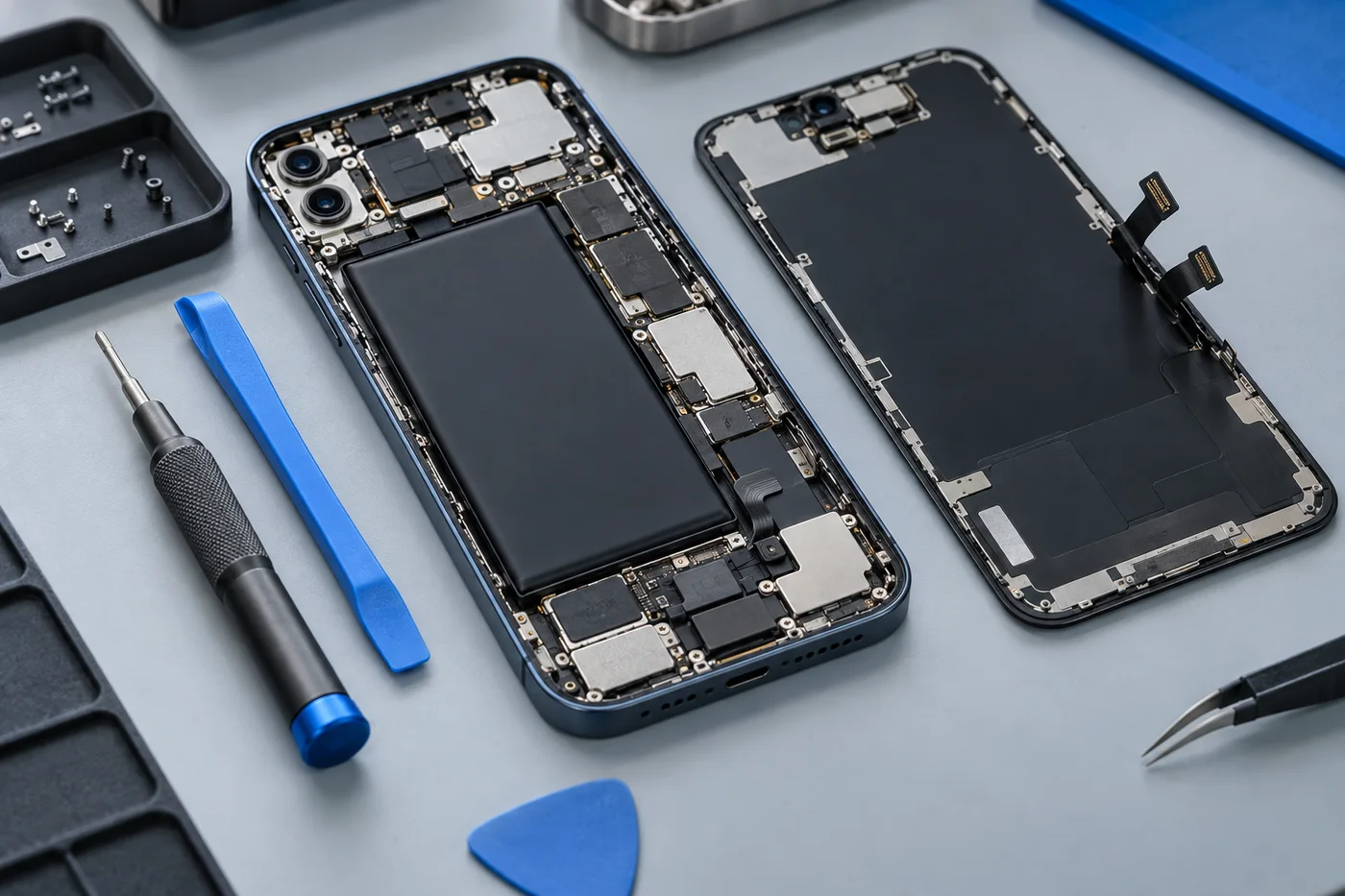
A phone that will not charge can have a simple accessory problem or a fault inside the device. Work through safe observations without forcing connectors or opening the phone. If it is wet, swollen, unusually hot or visibly damaged, stop charging and ask for professional advice instead of continuing tests.
Check the power source and accessories
For a dry, undamaged device, try a working wall socket with an undamaged compatible cable and adapter. Change one item at a time. If another cable works consistently, that observation is more useful than trying several combinations without noting the results.
Stop using a frayed cable, cracked adapter or loose electrical connection. Compatibility matters: a plug that fits is not the only consideration. Follow the phone maker’s accessory guidance and avoid unknown or damaged charging equipment.
Notice how the plug fits
A connector that will not seat properly may have debris or damage, while a worn cable can also feel loose. Look from the outside with good light, but do not insert a pin, needle or other metal tool. Small contacts are easy to damage.
Do not scrape aggressively, add liquid or keep bending the cable to find a charging angle. Explain the fit problem to the repair shop and ask about inspection. Cleaning is appropriate only when the condition of the connector and the method have been considered.
For a model-specific enquiry, see our charging port repairs information.
Separate charging from battery life
A phone may accept charge normally but lose it quickly afterwards. That points to a different discussion from a device that never detects a charger. Record whether the battery level rises, stays still or falls while connected.
Battery wear, heavy activity and internal power faults can contribute to the symptoms. If the enclosure is separating or a battery appears swollen, stop use and charging. Do not push the phone closed or attempt removal yourself.
Software and temperature can play a part
Background work and device settings may influence charging behaviour. If the issue began after a software change, mention it. For an otherwise safe, dry device, follow the manufacturer’s ordinary restart guidance; do not perform a factory reset merely to test a charging complaint.
Do not force charging through a moisture or temperature warning. Disconnect and follow the device maker’s guidance. A wet phone should not be repeatedly tested on wired or wireless chargers simply because one method appears to work.
Internal faults need assessment
The charging connector is only one part of the power path. A charging board, internal connection, battery or other circuitry may be involved. Replacing the port without assessment can leave the same symptom in place.
Ask whether your model can be inspected, what the assessment costs and how the proposed repair will be explained. Confirm parts, total cost, turnaround and applicable terms before authorising work. A symptom described online cannot establish which component has failed.
You can also discuss related symptoms through our battery replacement page.
Prepare a useful repair enquiry
Send your brand, model, symptoms, accessories tried and any drop or liquid history. If the device is safe and still works, back up before service. Explain important data concerns before any reset or other work is considered, and keep passcodes out of the enquiry.
Our charging port repair page explains connector assessments, while our battery replacement page covers drain and shutdowns. Contact Cell Phone Repairs Midrand to discuss the next step and confirm hours before visiting Halfway House. These checks help frame the conversation; they are not a remote diagnosis or a guarantee that a particular repair will solve the problem.
Need help with your phone?
Share your model and symptoms with our Halfway House shop.
Prepare a repair enquiry ↗