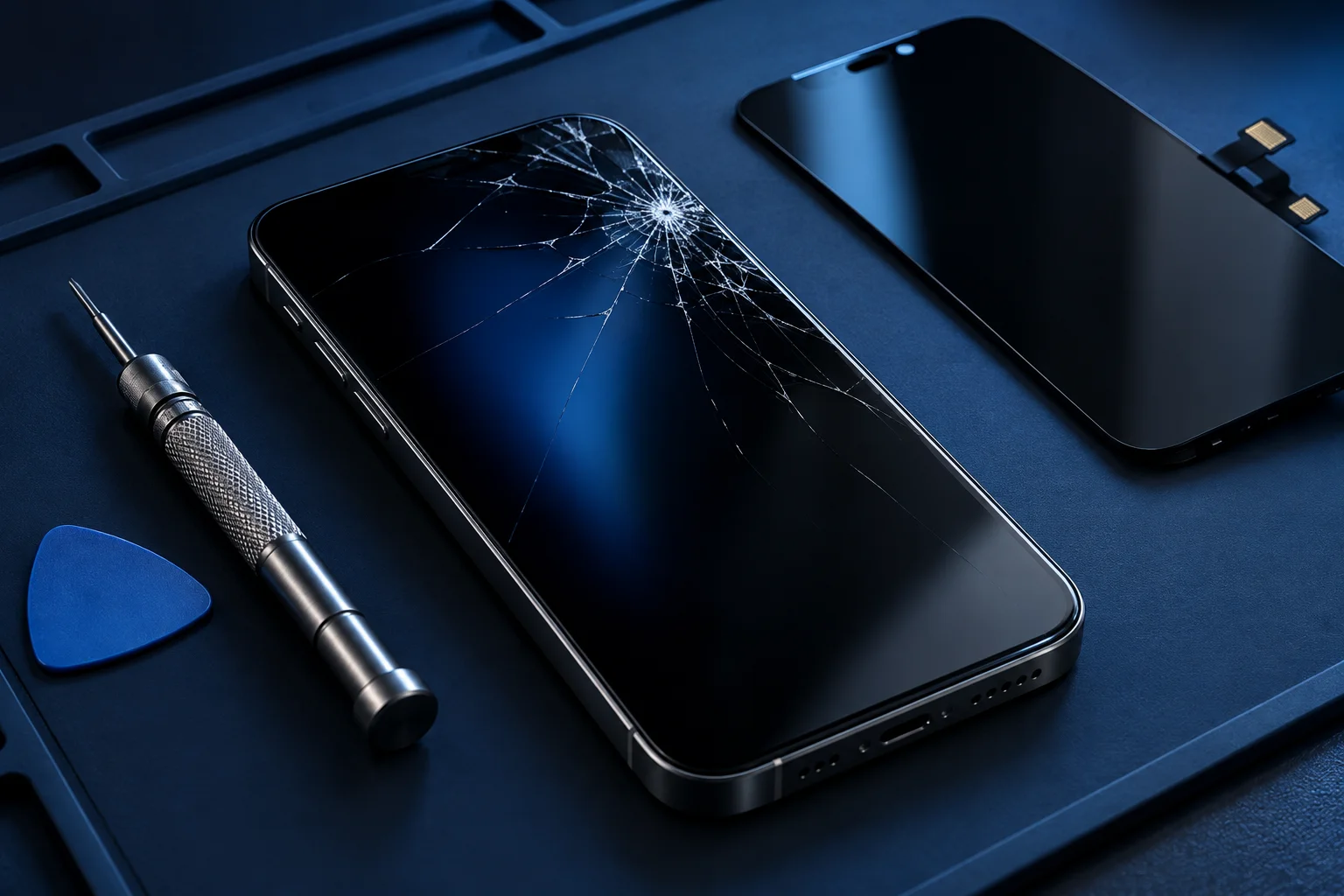
Does any of this sound familiar?
- Cracked iPhone glass
- Touch input missing or erratic
- Green lines or discolouration
- No image despite ringing
Identify what has changed
Make a note of the moment the fault began. A fall, pressure in a bag or liquid exposure gives the technician different clues. Explain whether the screen is always affected, whether some areas still respond and whether the phone makes sounds or receives calls.
Do not assume that visible glass damage is the only fault. A strong impact may affect the frame, cameras or internal connections. Equally, a display that looks intact can have an internal failure. Accurate symptoms are more helpful than ordering a replacement part before inspection.
The exact iPhone model determines the part
iPhone displays vary between generations and sizes. A standard model and a Pro model can require different assemblies even when their names are similar. Check the model in Settings if you can use the device safely, or look at the original box or purchase record.
Ask about the display technology and part source being quoted. Discuss brightness, colour reproduction, touch sensitivity and any model-dependent messages or calibration requirements. We do not claim that every replacement is a genuine Apple part or that every display feature is guaranteed to remain available.
If your symptoms overlap, explore iphone repairs or screen repairs before describing the issue to the shop.
What to discuss before replacement
An assessment should consider the frame and related functions as well as the damaged screen. Ask whether existing Face ID, front-camera or earpiece problems are included in the proposed scope. Replacing the display is not a blanket solution for faults in those systems.
Confirm the full estimated price and whether it covers the assembly, labour and other required materials. If additional damage is found, agree how further approval will work. Part availability and the amount of work determine turnaround; a same-day result should never be assumed from the page alone.
Prepare and check your device
Back up your iPhone before service if it is safe and possible. Write down existing problems and explain whether recovering access to important files is your priority. Keep Apple Account details and passwords out of online enquiries, and discuss any unlock requirements directly.
When collecting a repaired phone, ask to review the relevant functions together. Typical checks to discuss include touch across the display, brightness, calls and the front camera. Ask about the applicable repair terms and what to do if the original symptom returns.
Choosing repair based on the whole phone
Consider the age, battery condition and other damage when comparing the quote with the cost of another device. A sound phone with a damaged display presents a different decision from one with several unresolved faults. The best choice depends on your needs and a clear assessment, not a general price advertised for an unspecified model.
Contact Cell Phone Repairs Midrand with your model and symptoms. You can also explore our broader iPhone repairs and battery replacement information if the screen issue is accompanied by shutdowns or rapid drain. Call to confirm current hours and find the shop next door to the nearby salon in Halfway House.
Your repair questions, answered.
Will replacing the screen fix Face ID?
Not necessarily. Face ID involves components and faults that may be separate from the display. Ask for a specific assessment.
Are parts genuine Apple?
Part source and specification need to be confirmed for your quote. This site does not claim Apple authorised status.
Will replacement erase my phone?
Do not assume data preservation. Back up beforehand and discuss any work that could affect data before authorising it.