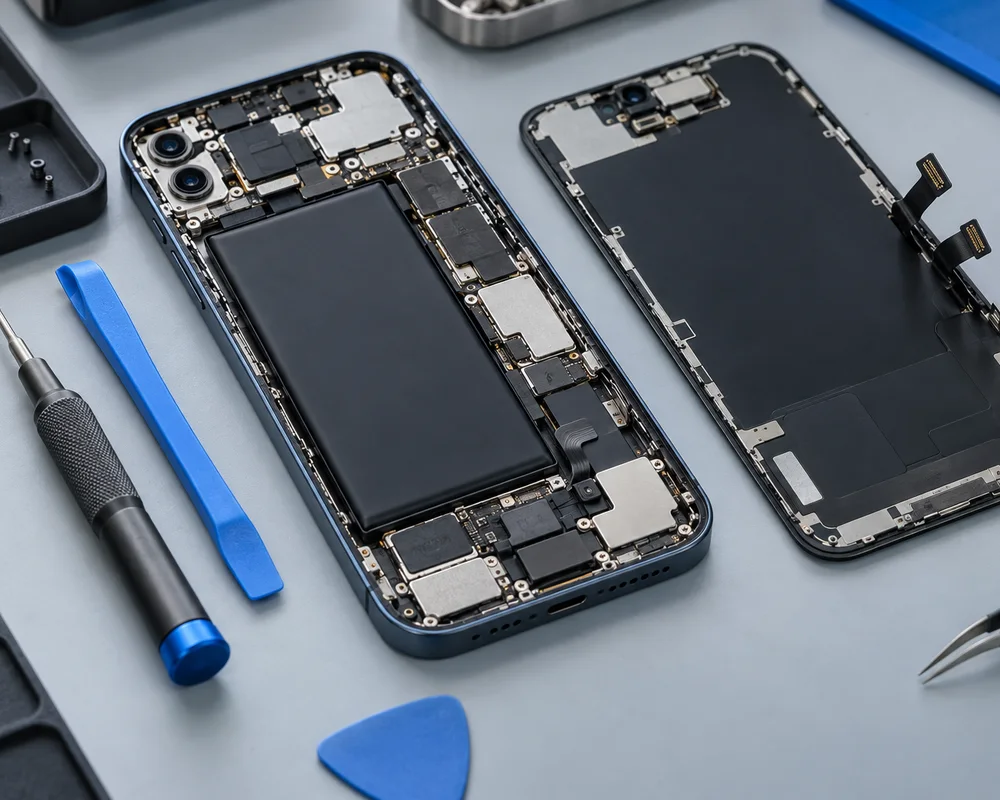
Does any of this sound familiar?
- Rapid battery drain
- Unexpected shutdowns
- Battery health warnings
- Swelling or enclosure lifting
Battery wear and other causes of drain
Rechargeable phone batteries gradually lose capacity through use and ageing. You may notice less time between charges or shutdowns when the device is under load. These observations are useful, but they do not prove that replacing the battery will solve every power problem.
High screen brightness, demanding apps, background activity and poor mobile signal can increase power use. If the change happened suddenly, make a note of recent software or usage changes. A technician can discuss the symptoms alongside the battery condition and charging behaviour.
Reading iPhone battery health sensibly
An iPhone may show battery-health information or a service message in its settings, depending on the model and software. Share the message when requesting help. The reading is an estimate of battery condition, not a full diagnosis of charging, display or board faults.
Unexpected shutdowns and reduced performance may occur when an ageing battery cannot supply the required power. However, a phone that fails to start needs broader checks. Avoid buying a replacement purely on the basis of the percentage without considering the actual symptoms.
If your symptoms overlap, explore iphone repairs or charging port repairs before describing the issue to the shop.
Swelling needs a different response
If a battery appears swollen, the screen lifts or the enclosure separates, stop using and charging the device. Do not squeeze it shut, puncture it or attempt removal. Contact a repair professional for advice on safe handling and transport.
A physically damaged battery should not be treated as an ordinary short-runtime complaint. Tell the shop about the visible condition before visiting. If the device is smoking or poses an immediate hazard, move away and seek emergency assistance rather than handling it.
What to confirm in a battery quote
Provide the precise phone model so the correct component can be considered. Battery fit, capacity and connection details vary between devices. Ask about the part source, compatibility and any software messages or calibration considerations relevant to your phone.
Confirm the inspection conditions, full estimated cost and whether any associated damage changes the work. A lifted display or damaged enclosure can require additional attention. Ask about applicable repair terms and collection arrangements; no fixed warranty period or repair time is promised on this website.
Prepare for assessment and collection
If the device is safe to use, back up important files before a visit. Note how long it usually lasts, whether it switches off at a particular charge level and whether charging is consistent. Do not keep repeatedly charging an overheating or damaged phone to gather more examples.
After repair, discuss charging and functional checks with the shop. If a cable remains loose or charging still cuts out, a connector issue may need separate attention. Read our charging-port page for the differences and our iPhone page for broader faults. Contact Cell Phone Repairs Midrand before travelling to confirm support for your model and current opening hours.
Your repair questions, answered.
Does fast drain always mean a worn battery?
No. Apps, signal conditions, settings and other faults can increase drain. Assessment helps separate these possibilities.
Can I charge a swollen battery?
Stop using and charging the device. Do not press, puncture or remove the battery yourself; ask for professional handling advice.
Do you replace Android batteries?
Ask about your exact Android brand and model. Support and replacement availability need confirmation.